
marsilea.plotter.Title#
- class marsilea.plotter.Title(title, align='center', padding=10, fontsize=None, fill_color=None, bordercolor=None, borderwidth=None, borderstyle=None, **options)#
Bases:
_LabelBaseAdd a title
- Parameters:
- titlestr
The title text
- align{‘center’, ‘left’, ‘right’, ‘bottom’, ‘top’}
Where the title is placed
- paddingfloat
The buffer space between text and the adjcent plots, in points unit
- fontsizeint, default: 12
The title font size
- rotation
- optionsdict
Pass to
matplotlib.text.Text
See also
Examples
>>> import marsilea as ma
>>> from marsilea.plotter import Title
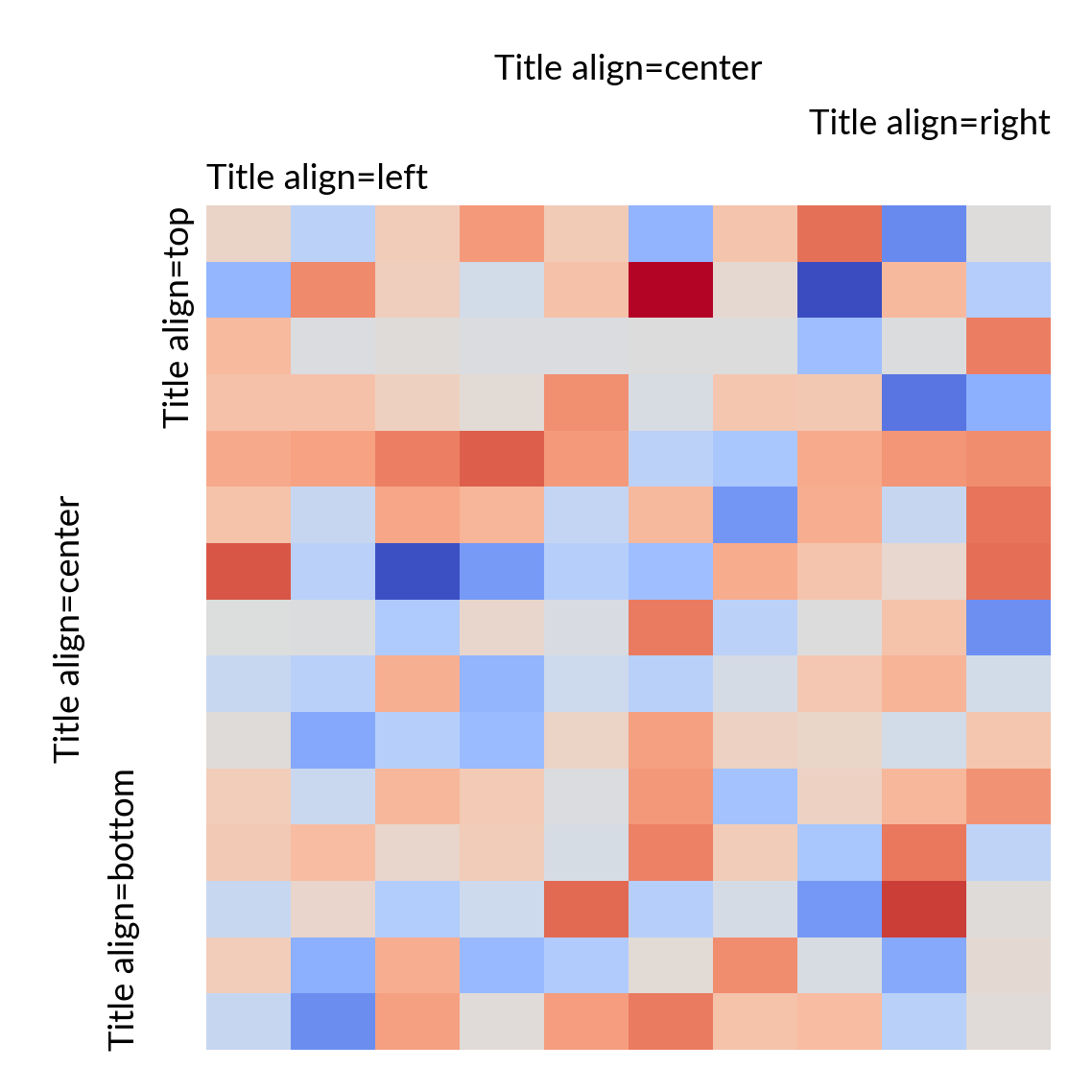
>>> matrix = np.random.randn(15, 10)
>>> h = ma.Heatmap(matrix)
>>> for align in ["left", "right", "center"]:
...     title = Title(f'Title align={align}', align=align)
...     h.add_top(title)
>>> for align in ["top", "bottom", "center"]:
...     title = Title(f'Title align={align}', align=align)
...     h.add_left(title)
>>> h.render()
- align_pos = {'bottom': 0, 'center': 0.5, 'left': 0, 'right': 1, 'top': 1}#
- allow_split = False#
- default_rotation = {'bottom': 0, 'left': 90, 'right': -90, 'top': 0}#