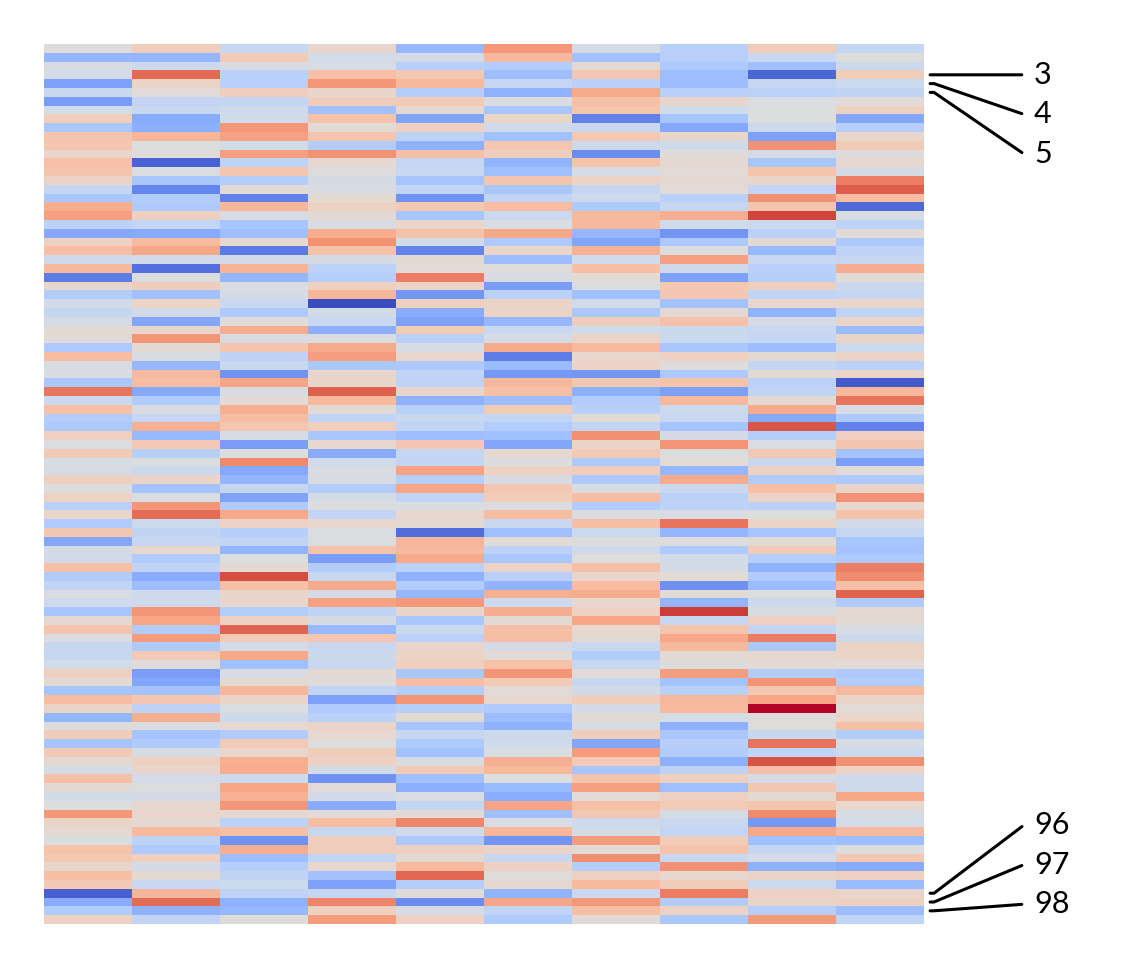
marsilea.plotter.AnnoLabels#
- class marsilea.plotter.AnnoLabels(labels, mark=None, text_pad=0.5, text_gap=0.5, pointer_size=0.5, linewidth=None, connectionstyle=None, relpos=None, armA=None, armB=None, **options)#
Bases:
_LabelBaseAnnotate a few rows or columns
This is useful when your heatmap contains many rows/columns, and you only want to annotate a few of them.
- Parameters:
- labelslist, np.ma.MaskedArray
The length of the labels should match the main canvas side where it attaches to, the labels that won’t be displayed should be masked.
- marklist
If your labels is not a mask array, this will help you mark the labels that you want to draw
- sidestr
- text_padfloat
Add extra space and the start and end of the label
- text_gapfloat
Add extra spacing between the labels, relative to the fontsize
- pointer_sizefloat
The size of the pointer in inches
- linewidthfloat
The linewidth of the pointer
- connectionstyle
- relpos2-tuple
- armA, armBfloat
- options
Pass to
matplotlib.text.Text
Examples
>>> labels = np.arange(100)
>>> import marsilea as ma
>>> from marsilea.plotter import AnnoLabels
>>> matrix = np.random.randn(100, 10)
>>> h = ma.Heatmap(matrix)
>>> marks = AnnoLabels(labels, mark=[3, 4, 5, 96, 97, 98])
>>> h.add_right(marks)
>>> h.render()