Ctrl+K
marsilea 0.4.3 documentation - Home
  • Tutorial
  • Gallery
  • API
  • Installation
  • How-To
  • GitHub
  • Tutorial
  • Gallery
  • API
  • Installation
  • How-To
  • GitHub

Section Navigation

  • Basics
    • Grouped heatmap
    • Heatmap
    • Annotate stacked bar
    • Two Heatmaps
  • All Plotters
    • AnnoLabels
    • Arc
    • Area
    • Bar
    • Box
    • Boxen
    • CenterBar
    • Chunk
    • ColorMesh
    • Colors
    • Emoji
    • FixedChunk
    • Image
    • Labels
    • MarkerMesh
    • Numbers
    • Point
    • SeqLogo
    • SizedMesh
    • StackBar
    • Strip
    • Swarm
    • TextMesh
    • Title
    • Violin
  • Real World Data Visualization
    • Les Miserables Arc Diagram
    • Current available plotters in Marsilea
    • Bivariate Distribution
    • Mouse Embryo Map
    • Fat content in cooking oils
    • Breast cancer mutation with Oncoprinter
    • Visualizing Single-cell RNA-seq Data
    • Visualizing Single-cell Multi-Omics Data
    • Sequence Alignment Plot
    • Ranking of programming languages.
    • Upset Plot
  • Gallery
  • All Plotters
  • Title

Note

Go to the end to download the full example code.

Title#

Title is for adding a title to the plot.

from marsilea.plotter import Title
import marsilea as ma
import numpy as np

data = np.random.randint(0, 10, (10, 2))

h = ma.Heatmap(data)
h.add_top(Title("Title"))
h.render()
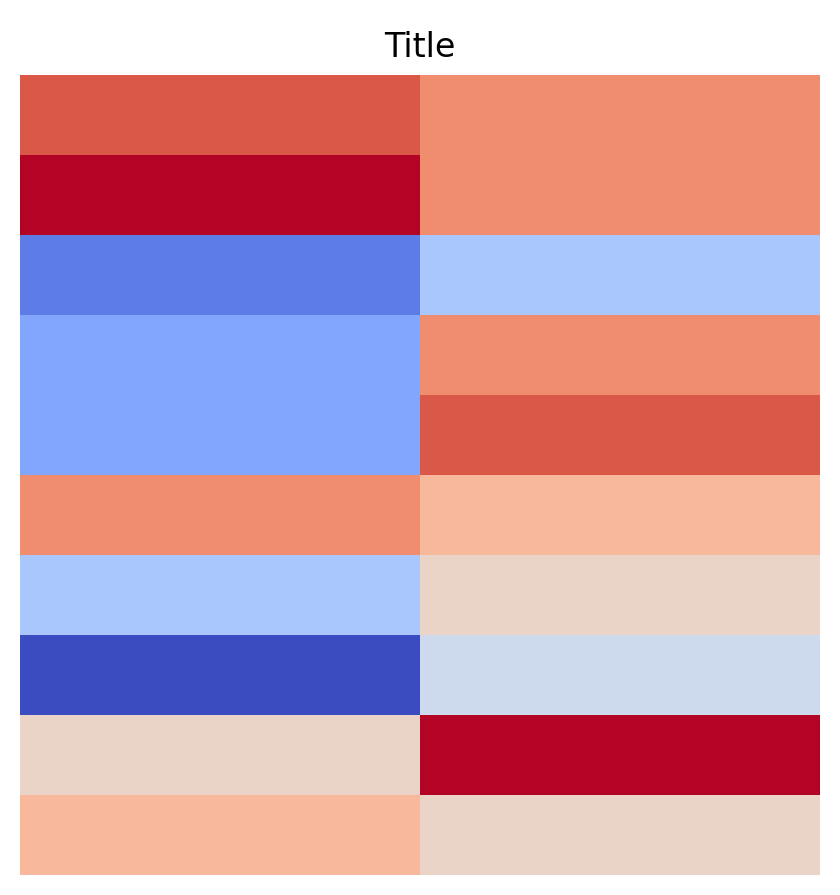
plot title

Total running time of the script: (0 minutes 0.342 seconds)

Download Jupyter notebook: plot_title.ipynb

Download Python source code: plot_title.py

Gallery generated by Sphinx-Gallery

previous

TextMesh

next

Violin

© Copyright 2024, Mr-Milk.

Created using Sphinx 7.4.5.

Built with the PyData Sphinx Theme 0.15.4.