
Note
Go to the end to download the full example code.
Retrieve axes#
This example shows how to access the axes object in Marsilea.
import numpy as np
import marsilea as ma

data = np.random.randint(0, 10, (10, 10))
To get the main axes object, use the get_main_axes() method.
The axes will only exist after you render the plot.
h = ma.Heatmap(data, width=3, height=3)
h.render()
main_ax = h.get_main_ax()
main_ax.text(
    0.5,
    0.5,
    "Main Axes",
    ha="center",
    va="center",
    bbox=dict(facecolor="white"),
    fontsize=20,
    color="red",
    transform=main_ax.transAxes,
)
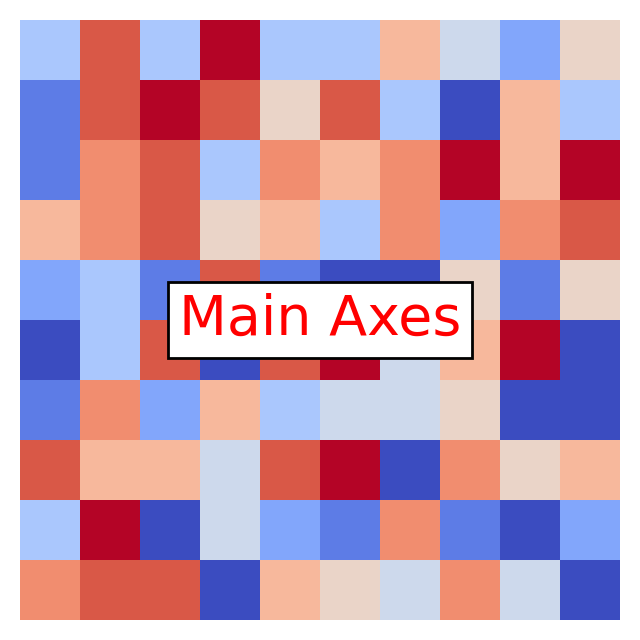
Text(0.5, 0.5, 'Main Axes')
If you cut the canvas, you will get multiple axes objects.
h = ma.Heatmap(data, width=3, height=3)
h.cut_rows([2])
h.render()
main_ax = h.get_main_ax()
print(f"{len(main_ax)} axes objects")
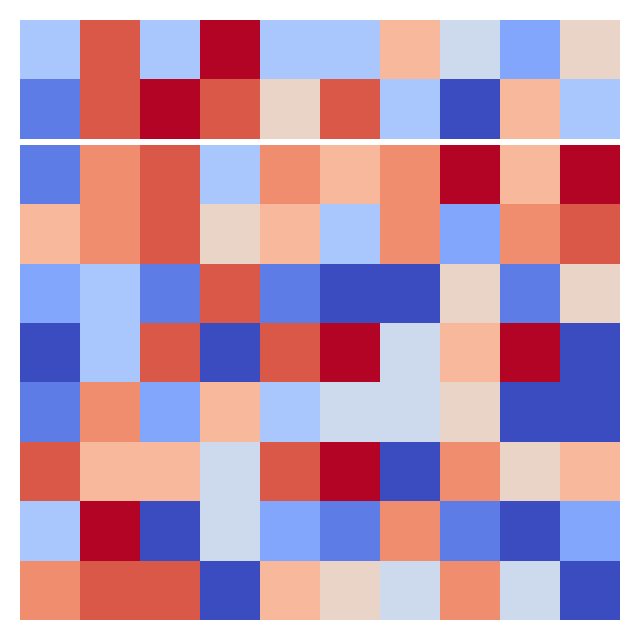
2 axes objects
Total running time of the script: (0 minutes 0.406 seconds)