marsilea.plotter.FixedChunk#
- class FixedChunk(texts, fill_colors=None, *, align=None, ratio=None, props=None, padding=8, bordercolor=None, borderwidth=None, borderstyle=None, label=None, label_loc=None, label_props=None, **options)#
Bases:
_ChunkBaseMark groups with fixed order
- Parameters:
- textsarray of str
The label for each chunk
- fill_colorscolor, array of color
The color used as background color for each chunk
- ratioarray of int
To span chunks on more than one chunk.
- borderwidth, bordercolor, borderstyle
Control the style of border For borderstyle, see
linestyles- propsdict
- rotationfloat
How many to rotate the text
- paddingfloat
The buffer space between text and the adjcent plots, in points unit
- labelstr
The label of the plot
- label_loc{‘right’, ‘left’, ‘top’, ‘bottom’}
The location of the label
- label_propsdict
The label properties
See also
Examples
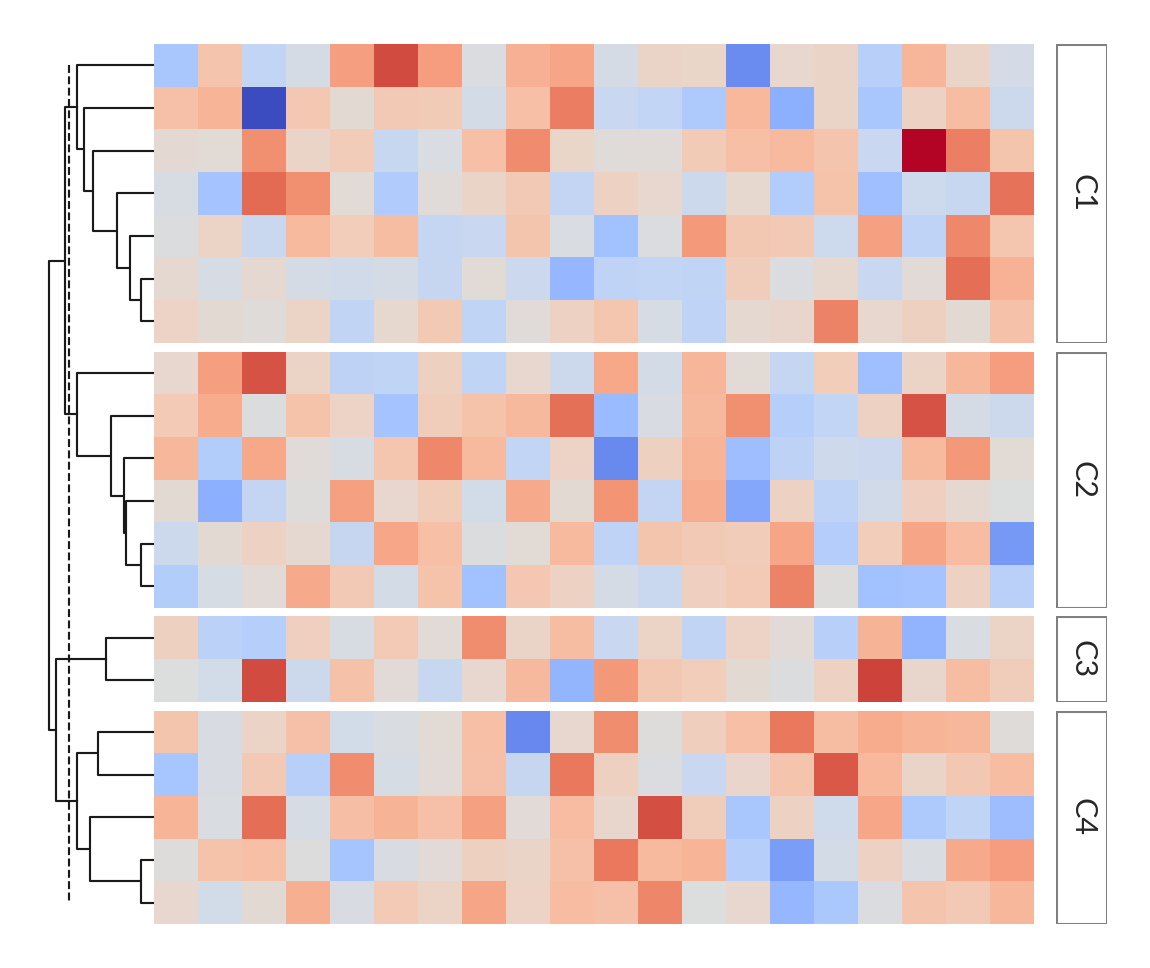
The fixed chunk will not be reordered by the cluster results.
>>> import marsilea as ma
>>> from marsilea.plotter import FixedChunk
>>> matrix = np.random.randn(20, 20)
>>> h = ma.Heatmap(matrix)
>>> chunk = ['C1', 'C2', 'C3', 'C4']
>>> labels = np.random.choice(chunk, size=20)
>>> h.hsplit(labels=labels, order=chunk)
>>> h.add_right(FixedChunk(chunk, bordercolor="gray"), pad=.1)
>>> h.add_dendrogram("left")
>>> h.render()
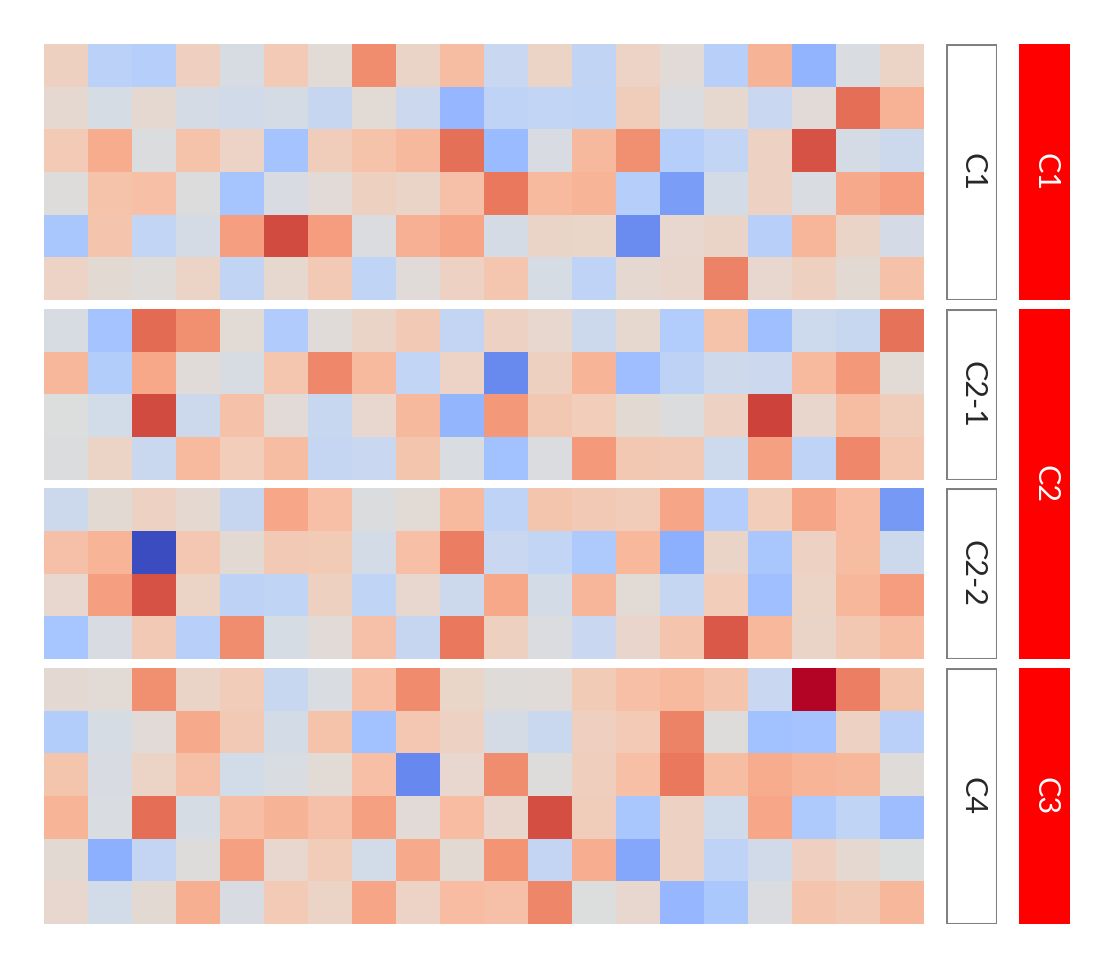
You can span a chunk on more than one chunk.
>>> h = ma.Heatmap(matrix)
>>> chunk = ['C1', 'C2-1', 'C2-2', 'C4']
>>> labels = np.random.choice(chunk, size=20)
>>> h.hsplit(labels=labels, order=chunk)
>>> h.add_right(FixedChunk(chunk, bordercolor="gray"), pad=.1)
>>> h.add_right(FixedChunk(['C1', 'C2', 'C3'], fill_colors="red",
...                        ratio=[1, 2, 1], ), pad=.1)
>>> h.render()